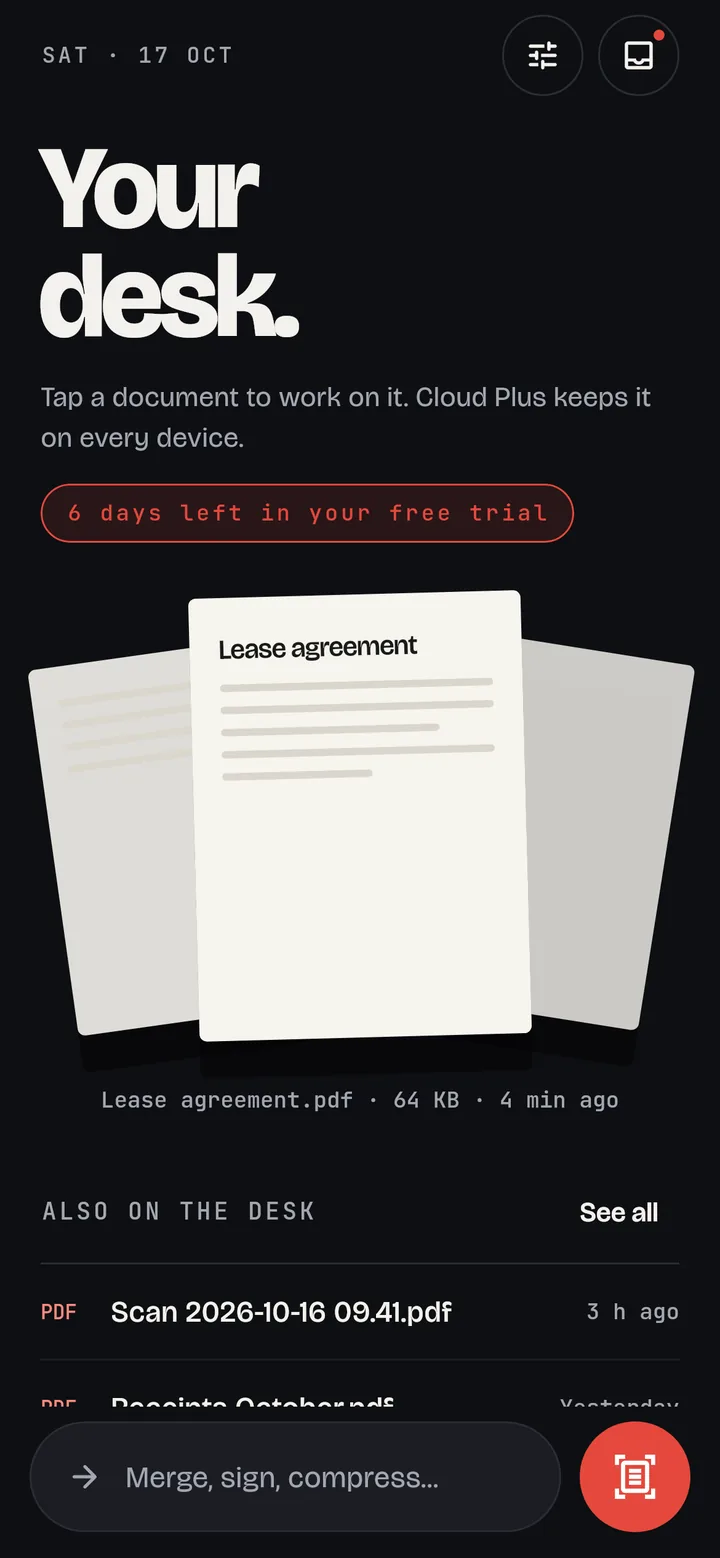
Scan like a flatbed
The camera finds the page edges and straightens them. Add as many pages as you need and save one clean PDF.
Scan · Sign · Merge · Compress · Convert
DocPro turns your phone into the place paperwork gets done. Scan a contract, sign it, shrink it under an upload limit and send it, without juggling five apps.
Free for 7 days. Then unlock every tool once, no subscription.
Features
The camera finds the page edges and straightens them. Add as many pages as you need and save one clean PDF.
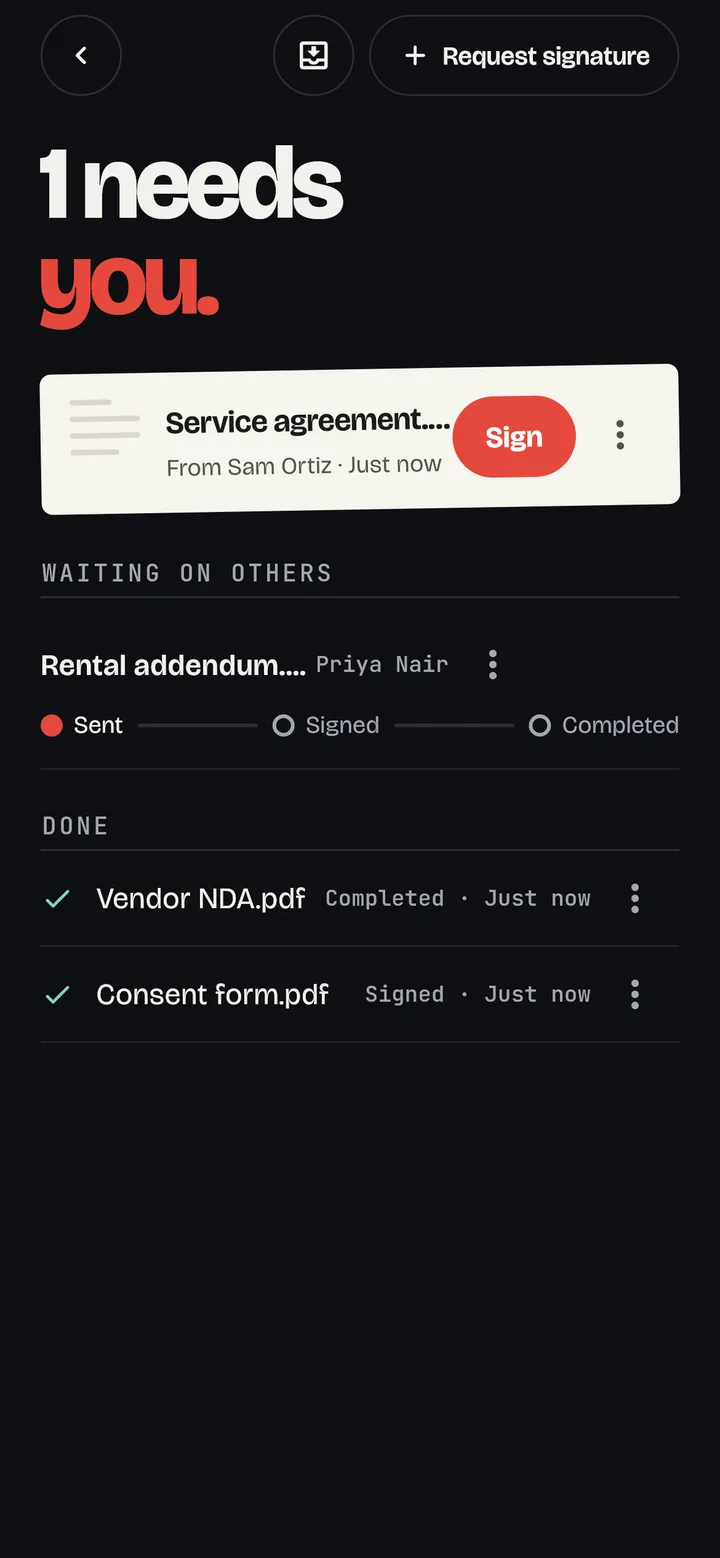
Place your signature or initials on any page. Send a PDF to someone else and they sign it in their browser. No app needed on their end, and the signed copy comes back to you with a sign-off record.
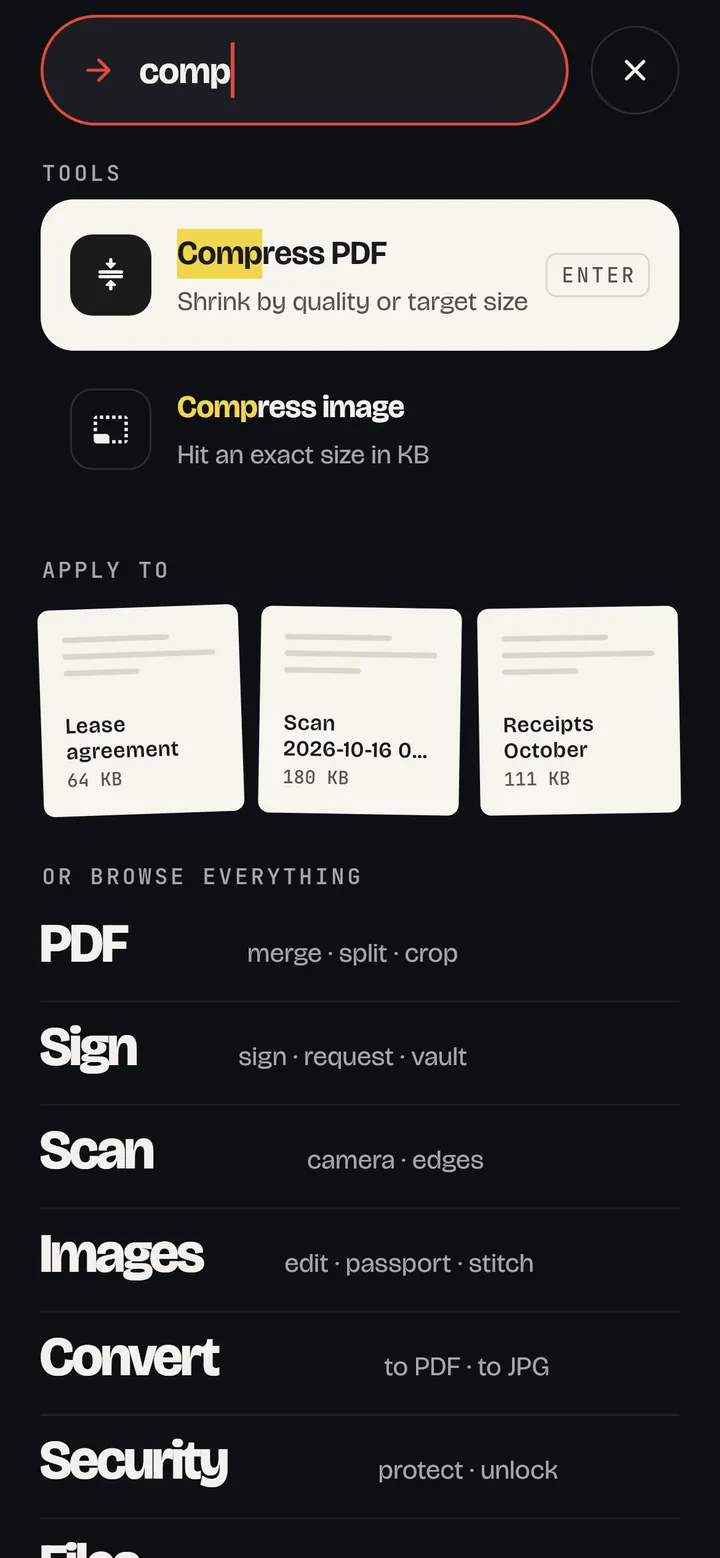
Merge, split, compress to a target size, reorder and rotate pages, add page numbers or watermarks, crop margins, remove blank pages, and protect with a password.
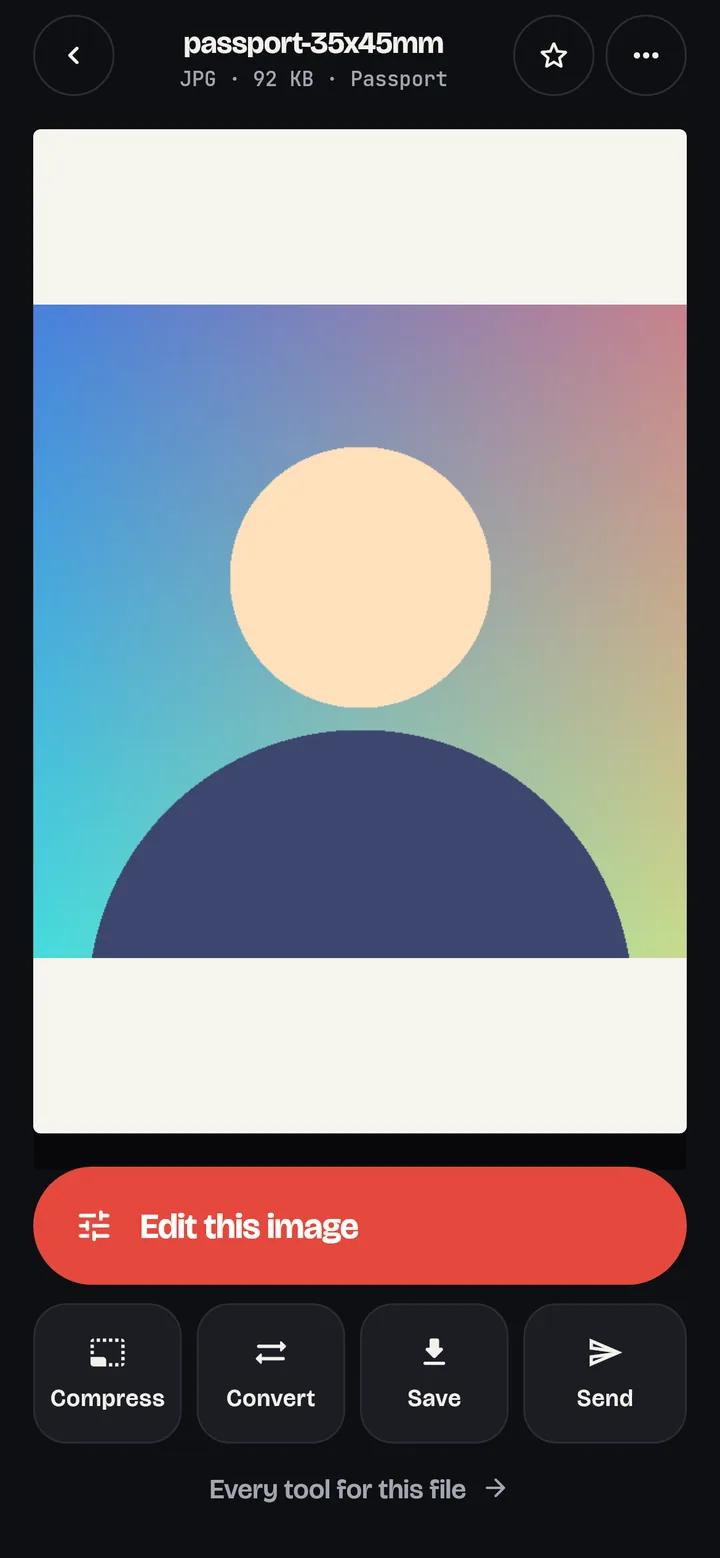
Crop, resize and convert between JPG, PNG, WebP and more. Compress to an exact size in KB, stitch screenshots, and make passport photos at official sizes.
Extract text from scans, photos and PDFs on your phone, then copy it, share it or save it as a text file.
Got a PDF in WhatsApp or Gmail? Share it to DocPro and it opens with the right tools ready: sign it, compress it, send it back.
How it works
Pricing
Free trial
A$0
DocPro Pro
A$12.99 once
Coming soon
Subscription
Price shown in Australian dollars. Google Play shows the price in your currency before you buy. Files you've made are always yours to open, share and save, trial or not.
Privacy
Every tool runs on the device: scanning, compressing, converting, signing and text extraction. Nothing is uploaded to process it.
FAQ
No. Download, open and start working. You only sign in when you send a document to someone else to sign.
The tools ask you to unlock DocPro Pro, a single purchase through Google Play. Everything you've already made stays yours: you can still open, share, save, rename and delete it.
No. They get an email with a link, read the document in their browser and sign there. You get the signed PDF back, with a record of who signed and when.
It's tied to your Google account. Reinstall or move to a new phone and tap Restore purchase.
Not yet. Tell us below if you want one; it helps us prioritise.
Contact
Every message goes straight to the person who builds DocPro.